AI try-on for iPhone

See yourself in any outfit.

Found an outfit you love online? Screenshot it, share it to FitFairy, and see yourself wearing it before you buy.

Coming soon to theApp Store
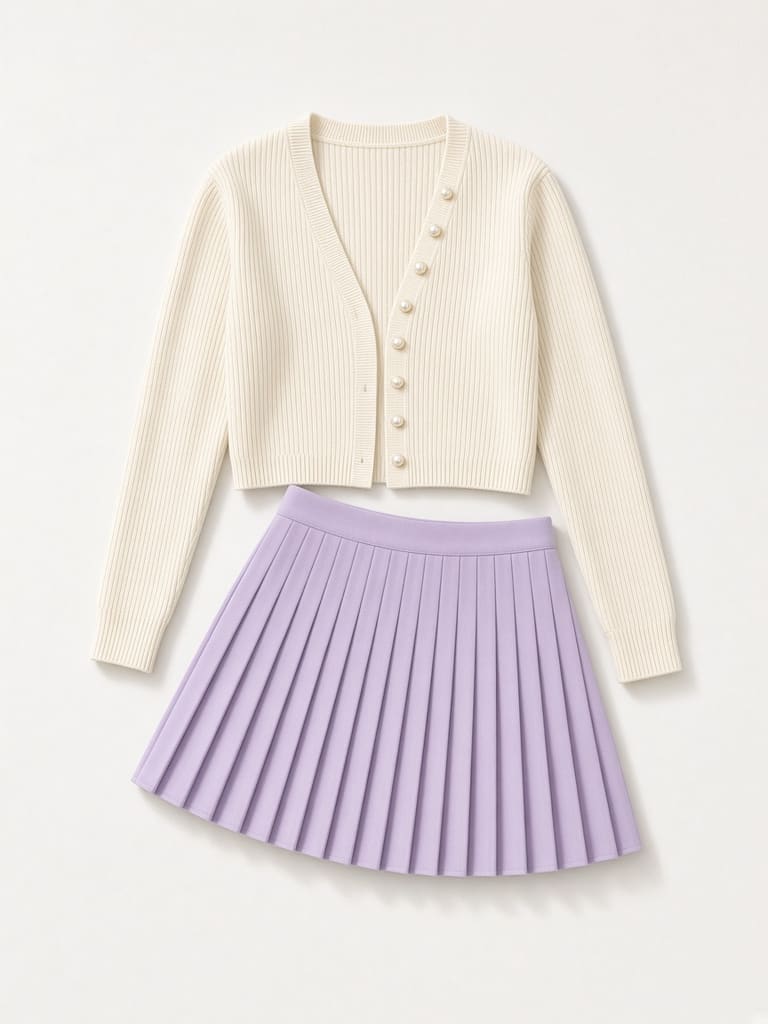
Outfit screenshot: cream cardigan and lavender pleated skirt

Outfit screenshot

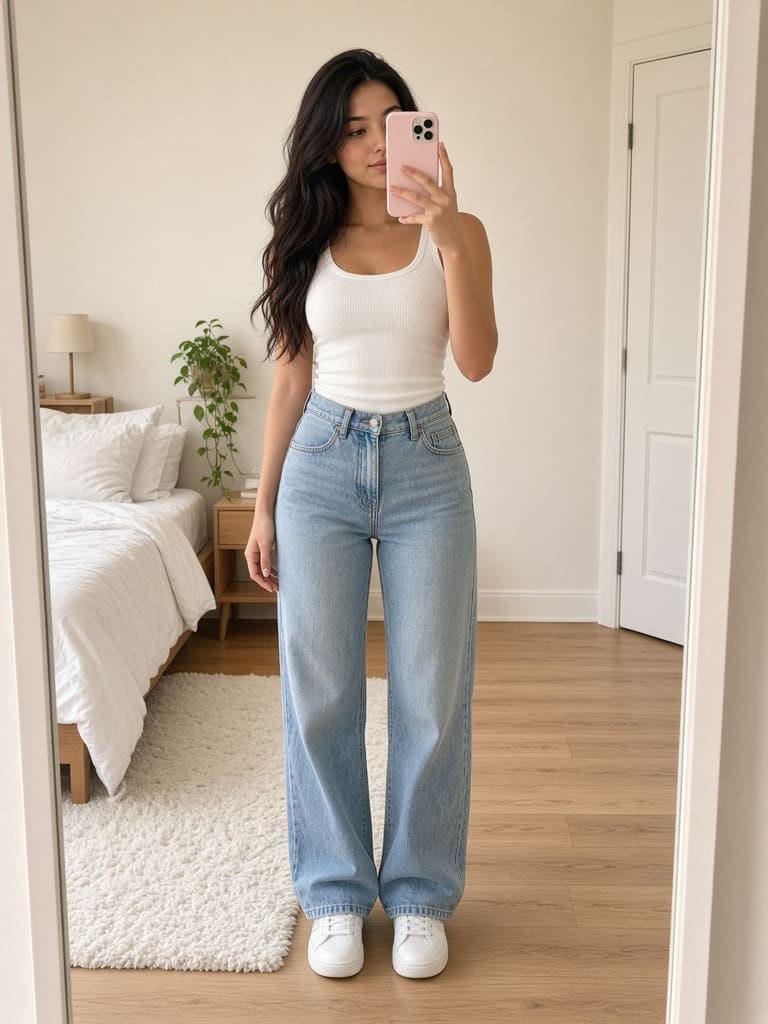
Full-body photo of a woman in a white tank top and jeans

Your photo

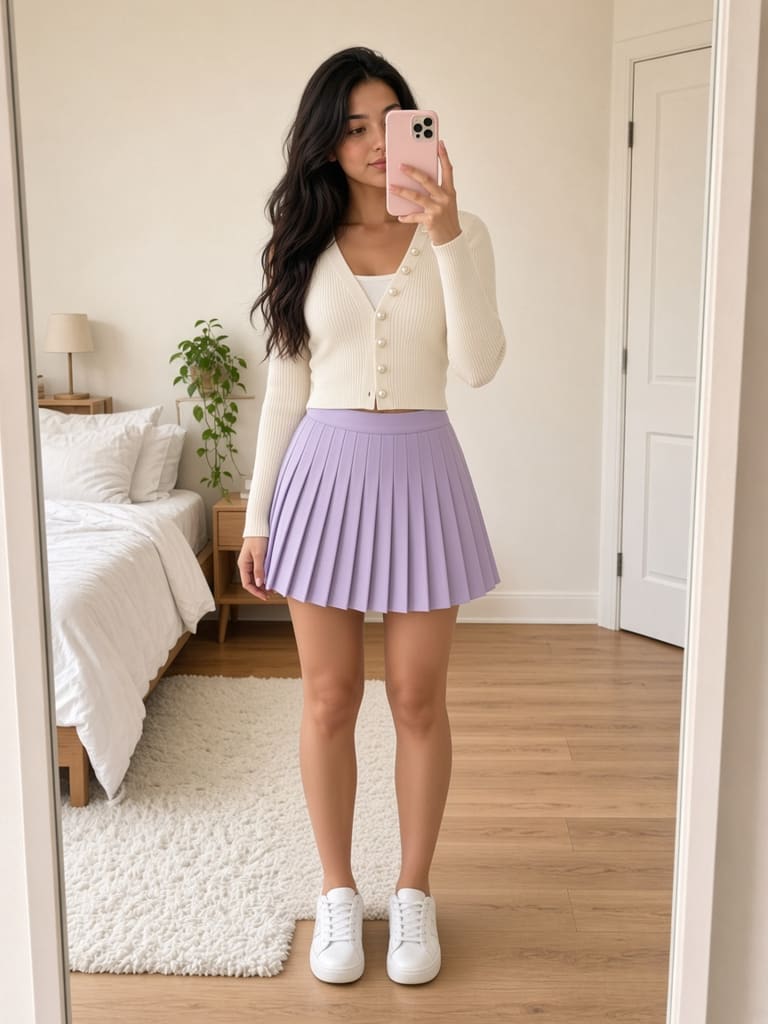
The same woman wearing the cream cardigan and lavender skirt AI

How it works

Three taps from screenshot to on you.

  1. 1

    Add a photo of yourself.

    Use a clear, full-body or upper-body photo.

  2. 2

    Screenshot an outfit you love and share it to FitFairy.

    From any online store, social media, or anywhere on the web.

  3. 3

    See yourself wearing it and save your favorite looks.

    Get a realistic try-on and build your dream wardrobe.

Real try-on examples

Before. After.
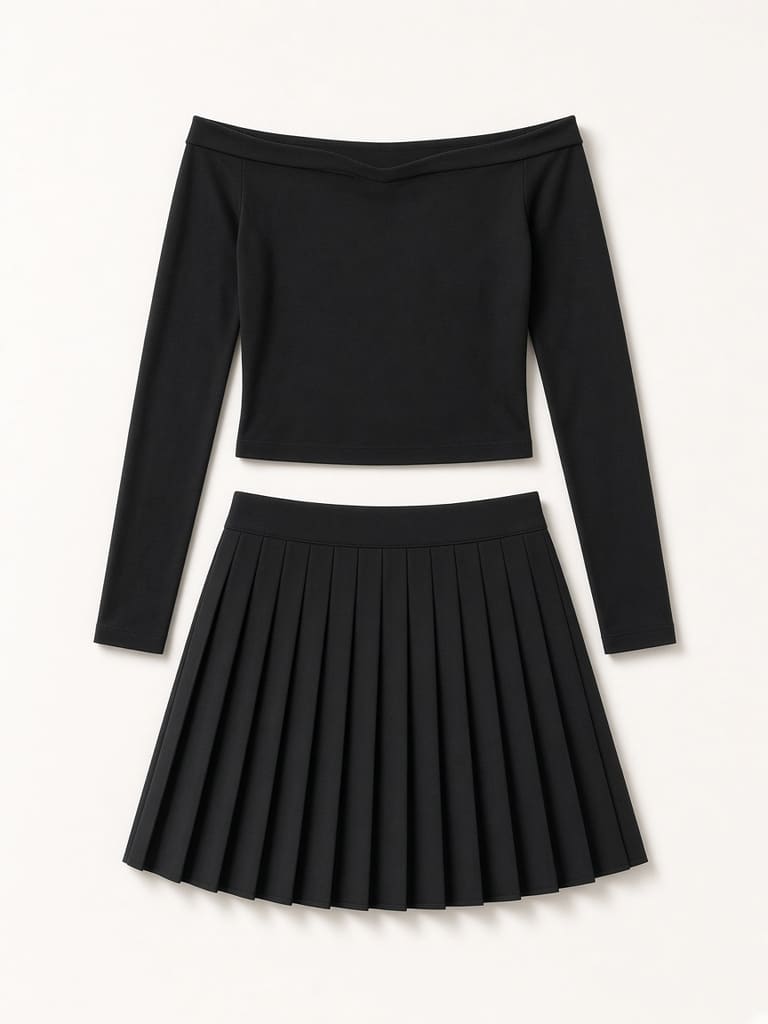
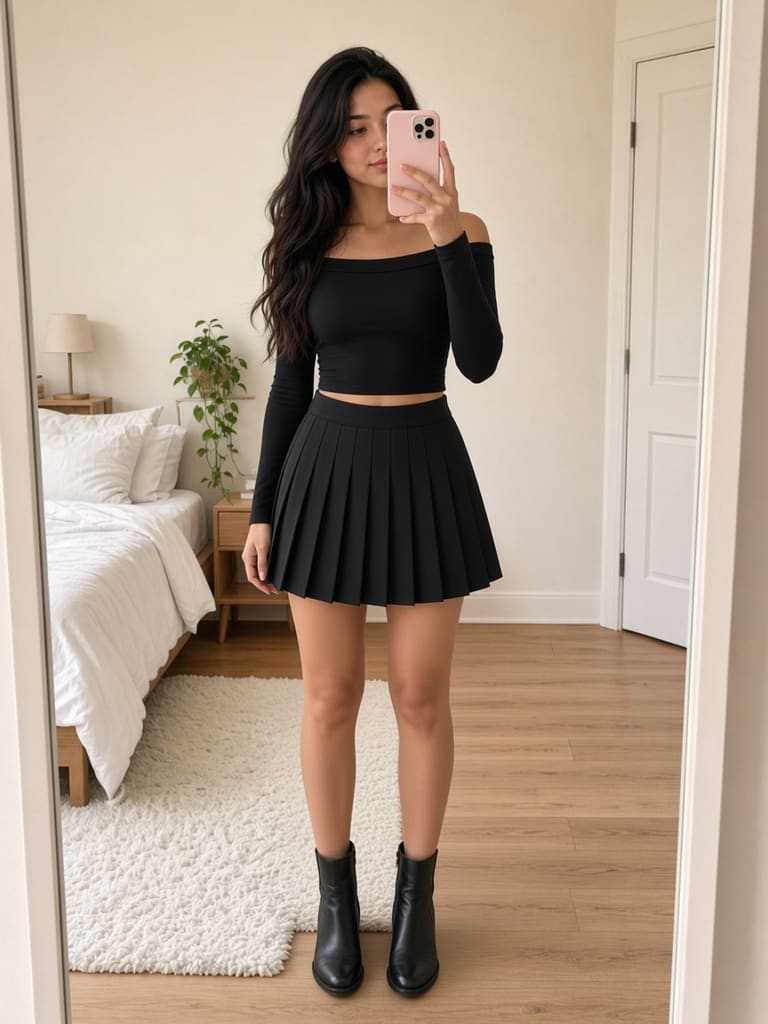
Black off-shoulder top and black pleated skirt

Outfit screenshot

Woman wearing the black top and pleated skirt AI
ScreenshotOn you
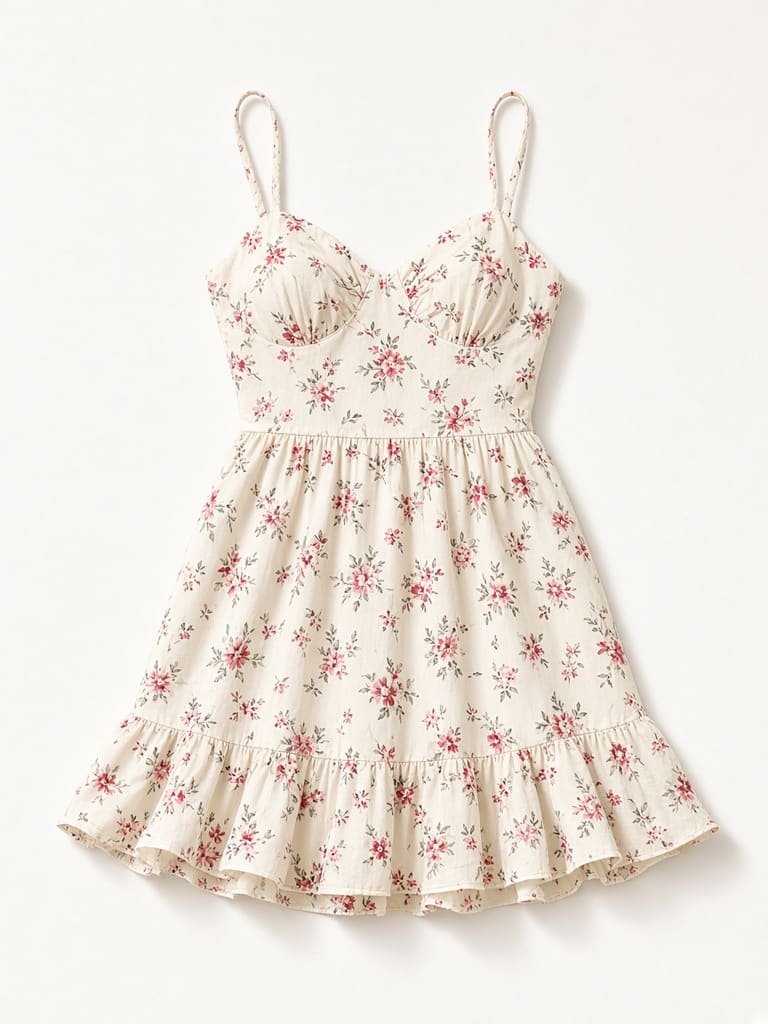
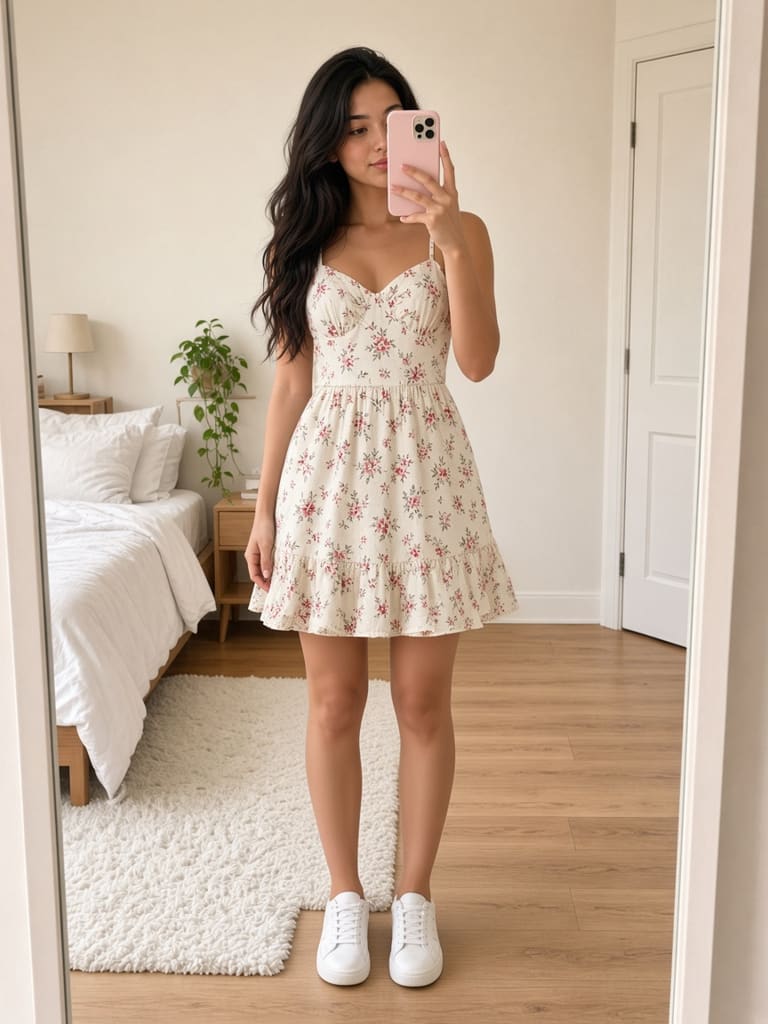
Cream floral mini sundress

Outfit screenshot

Woman wearing the floral sundress AI
ScreenshotOn you
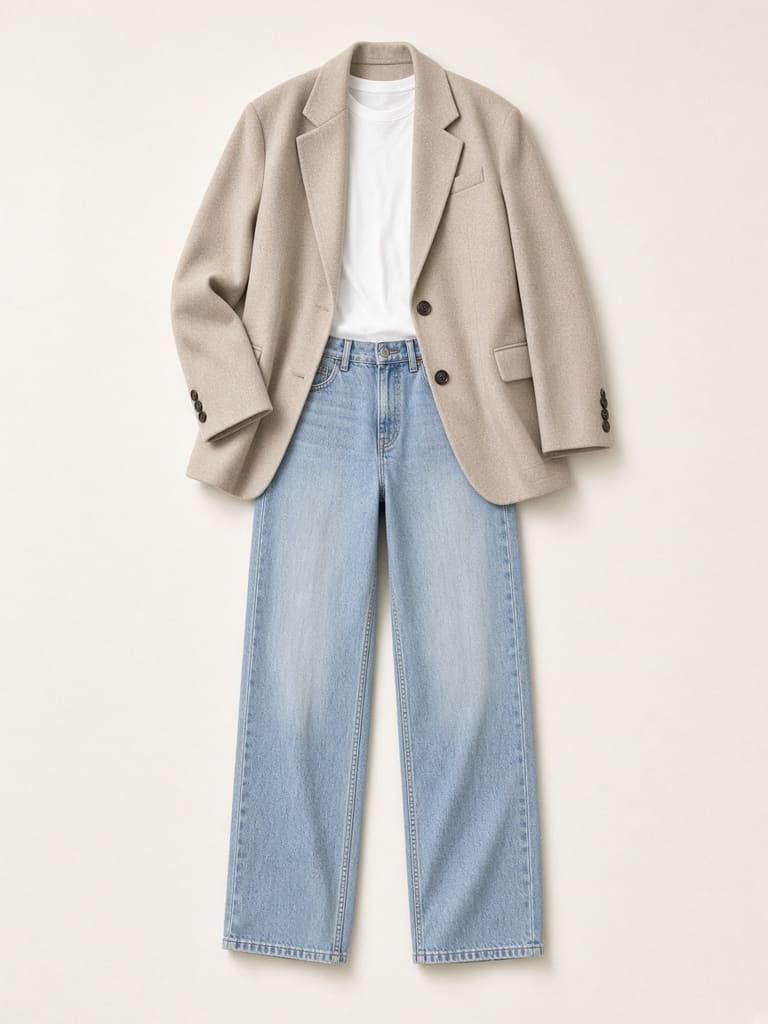
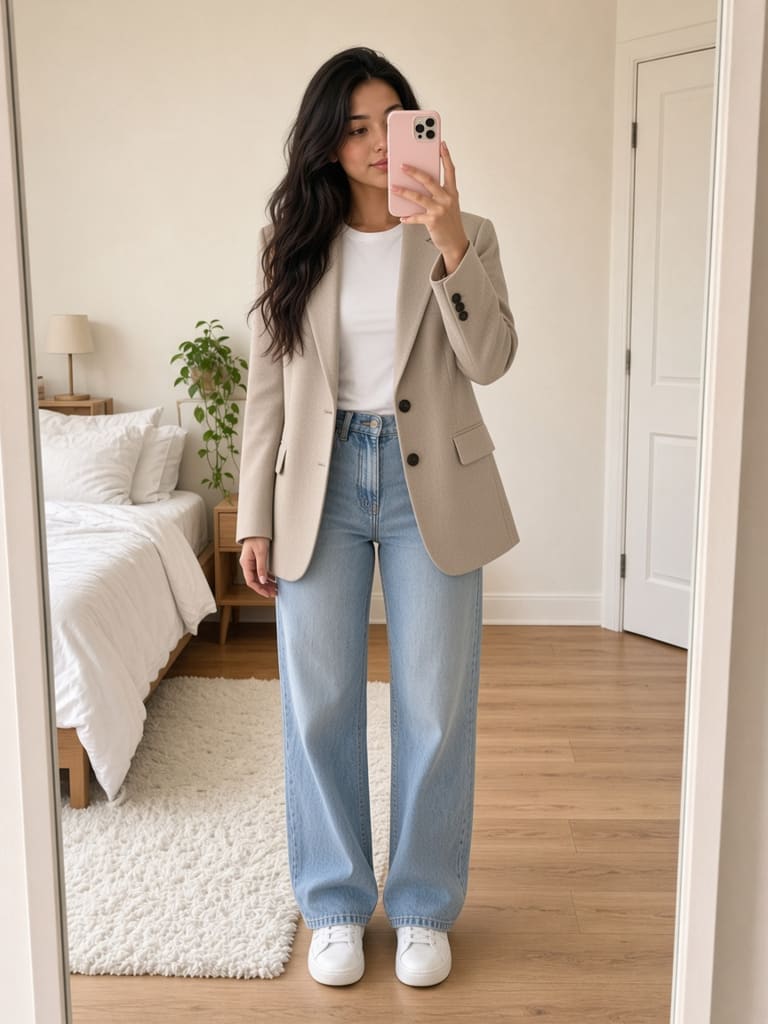
Beige blazer, white tee and light jeans

Outfit screenshot

Woman wearing the beige blazer and jeans AI
ScreenshotOn you

Your saved outfits. On you.

FitFairy is coming to iPhone.

Coming soon to theApp Store